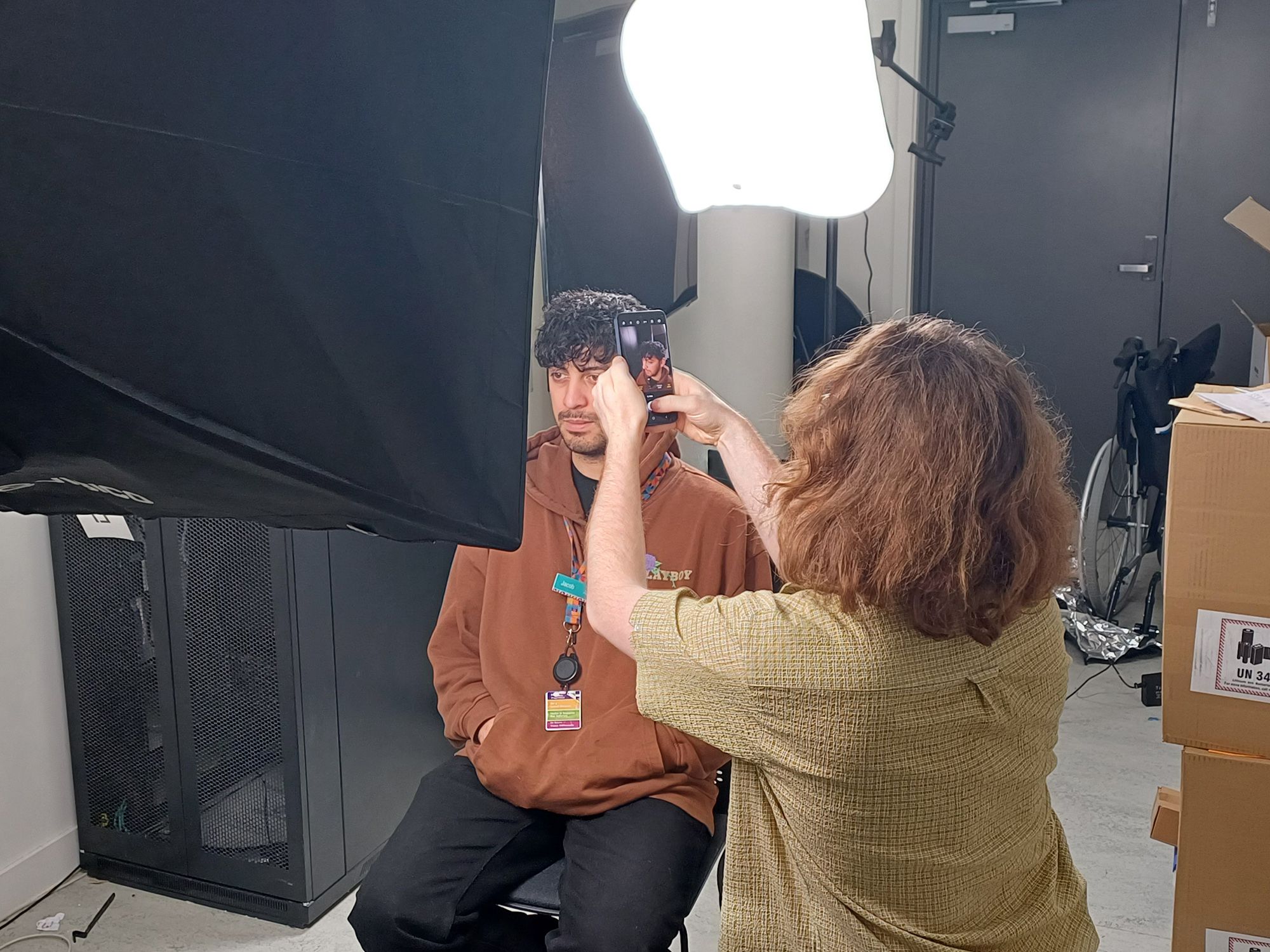
Behind the scenes of 3D scanning – taking nearly 1,800 photos of staff

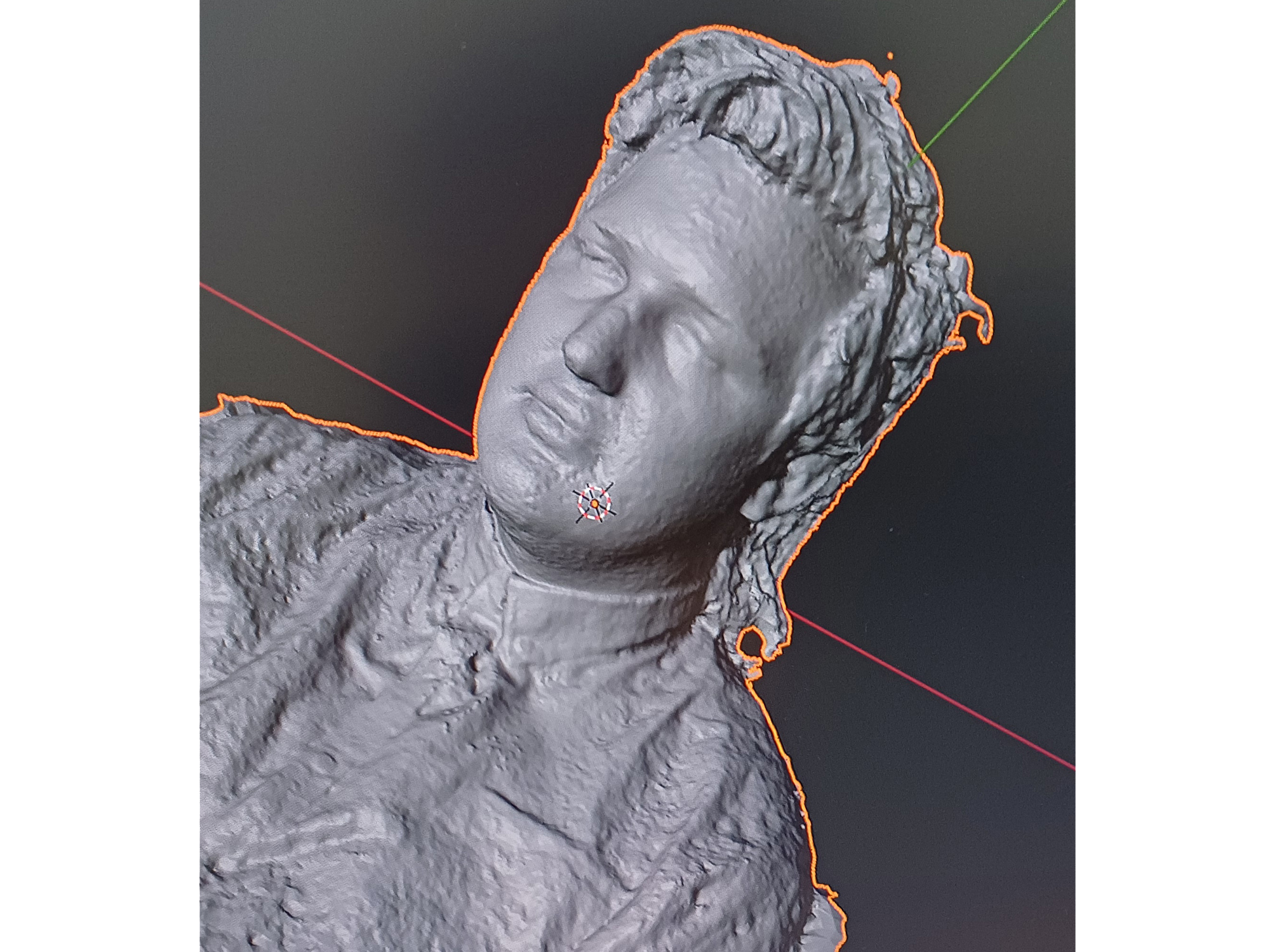
Cleaning up the scans of Nikolai using Blender

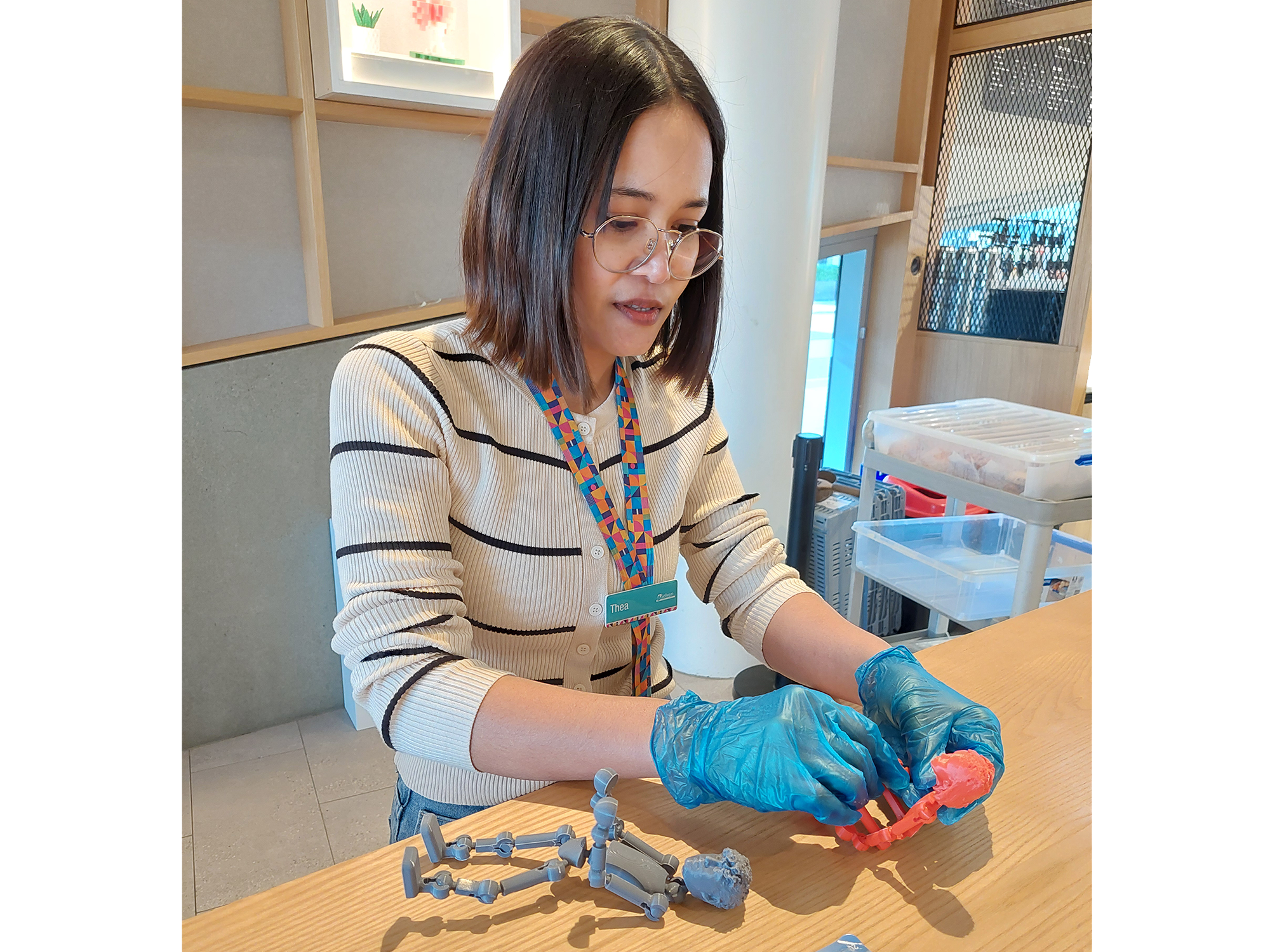
Thea Nhien preparing the 3D printed articulated figures for display

Thea and Sasha’s 3D scanned models

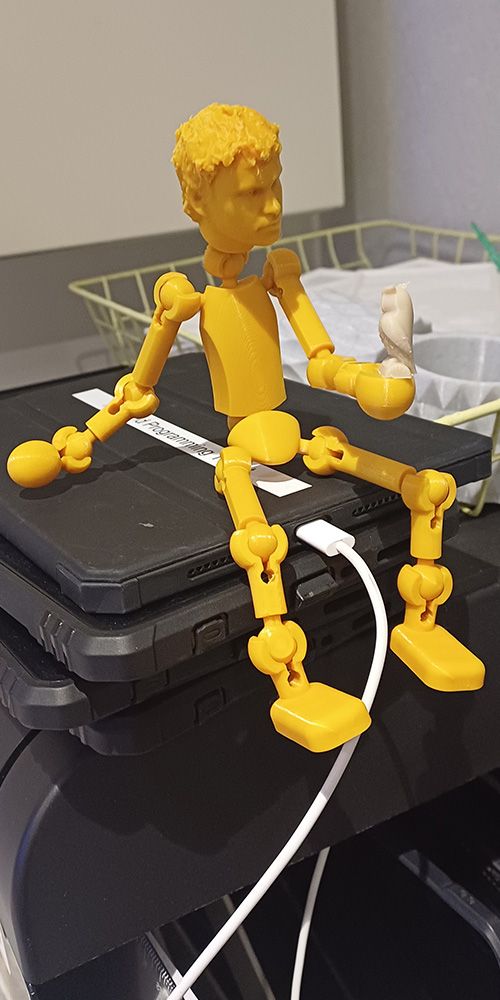
This display went through the most experimentation. Our first idea was to 3D scan the library itself, but we soon realised that even scanning a bookshelf was hard with free tools. So, we pivoted. Each team member was scanned while posing like they were working on the other 3D printing displays. Using 300 well-lit photos per person and the free photogrammetry tool KIRI Engine, we created surprisingly detailed models. We cleaned up the scans in Blender and printed them using the Prusa Core One at Te Ara Ātea. It’s a great example of what’s possible with determination, creativity, and free software.


On display

Articulated models with 3D scans of exhibition team members’ faces. Created by Thea Nhien and Sasha Johnson at Selwyn Libraries.
3.1 supporting.jpg

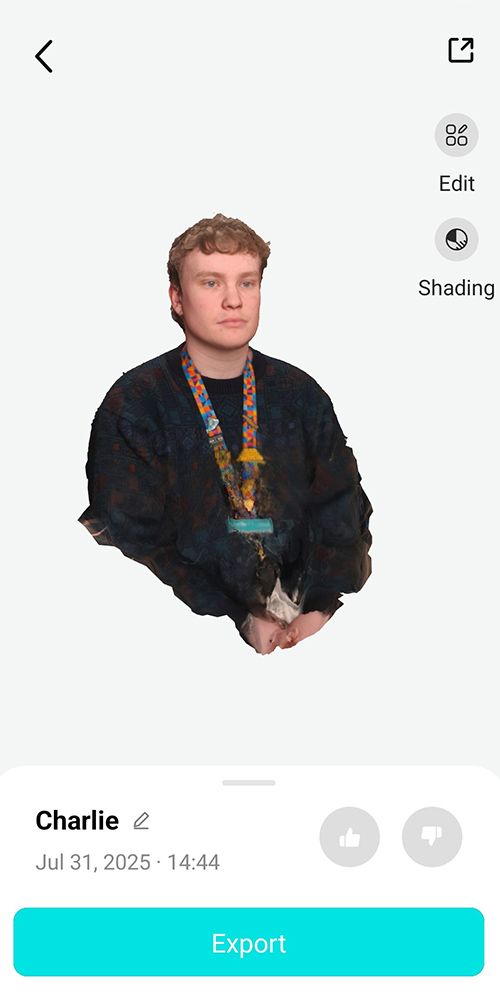
3D model of Charlie generated in Kiri engine
A smooth process

The 3D scans required some smoothing over using Blender after the intial captures generated. While the overall shape was successful, the process introduces bumps and uneven surfaces. Using Blender the models had to be carefully cleaned and smoothed, removing unwanted textures to create a polished digital mesh ready for printing and display.

A playful design

While the scanned heads added some personality to the models, the articulated 3D printed bodies were designed to allow for more expressive movement that could bring some life into them. The fun blend of digital design and physical play were designed to make the models engaging for tamariki and reminiscent of action figures or our annual Christmas ‘Elf on a shelf.’

3.3 supporting 2.jpg

Practice posing before putting on display